

Block Puzzle Magic
Where can I play Block Puzzle Magic online?
Press Play Now above to open the browser version of Block Puzzle Magic, or use the direct game link below. No separate application installation or Color Games account is needed. The game provider manages advertising and any optional in-game features.
If the embedded player stays blank, you can open Block Puzzle Magic directly in a new tab (opens in a new tab). The link opens the game; this page provides the controls and guide.
About Block Puzzle Magic
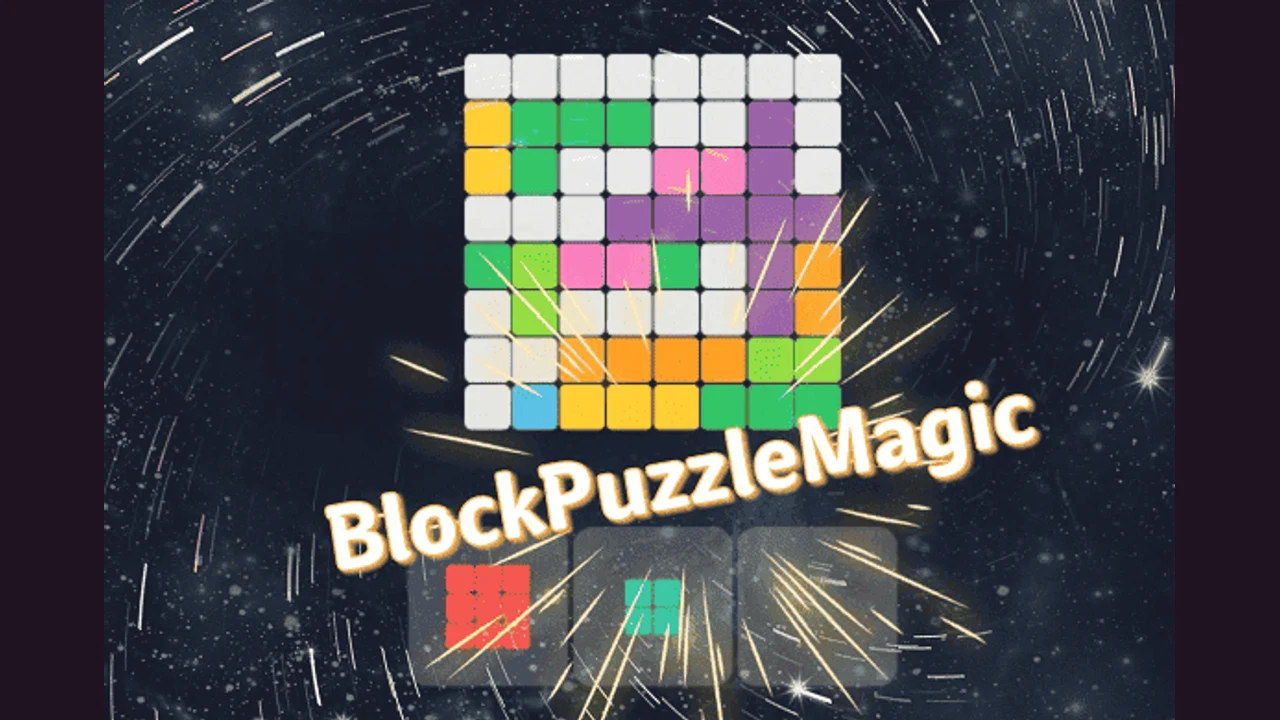
Block Puzzle Magic presents colored pieces beneath a square board. Choose Classic Mode to begin with the shape placement puzzle described here. The menu also lists Timed, Blast, Advance, and Challenge modes, so the game offers several starting choices. Their labels do not establish all of their rules; learn the Classic board first and read each other mode's instructions when you open it.
Block Puzzle Magic in your browser
Use a mouse or touchscreen to play this browser build. Drag a piece from the tray to the grid.
Your browser loads the game files over the internet. If the player stays blank after loading, try Reload or open the direct source link. No download means no separate app installation; it does not mean offline play.
Why Block Puzzle Magic Feels Different From Other Color Block Puzzle Games
A tray of colored shapes sits below the square board.
- Classic Mode provides a starting point for shape placement.
- The mode menu separately lists Timed, Blast, Advance, and Challenge.
How To Play Block Puzzle Magic?
Fit colored shapes onto the board and complete lines in Classic Mode.
- Press the large play button and choose Classic Mode.
- Compare all of the pieces in the tray with the empty spaces.
- Drag a shape onto a part of the grid that fits it.
- Plan complete lines while leaving usable space for the remaining pieces.
What should I try in Block Puzzle Magic?
Use these suggestions to plan your next attempt.
Place the awkward shape first
Inspect pieces with bends or longer edges before the smaller shapes. They often need a particular gap that another placement could close.
Learn one mode at a time
Use Classic to understand the board and input. When trying a different menu option, read its rules before reusing a plan from Classic.
Who Will Enjoy Block Puzzle Magic?
- Players who like planning around a tray of several shapes.
- Block puzzle fans interested in choosing from several labeled modes.
Try another round of Block Puzzle Magic
Choose a placement for the whole tray, rather than the first piece alone. Keeping one flexible area can make the next decision much easier.
Game information and source
| Game | Block Puzzle Magic |
|---|---|
| Goal | Fit colored shapes onto the board and complete lines in Classic Mode |
| Controls | Drag a piece from the tray to the grid |
| Browser version | Open Block Puzzle Magic (opens in a new tab) |
Block Puzzle Magic source and guide notes
The linked browser build and promotional icon and banner come from the game provider. Color Games provides this independent introduction and play guide. Promotional artwork is not presented as a gameplay screenshot.
Open the Block Puzzle Magic browser version (opens in a new tab)
Block Puzzle Magic FAQ
Can I play Block Puzzle Magic without installing an app?
Yes. Open the browser version with Play Now or the source link. An internet connection is needed to load the game; the provider controls advertising and optional in-game features.
Which modes appear in the menu?
The observed menu lists Classic, Timed, Blast, Advance, and Challenge. This guide covers the Classic starting board and does not claim identical rules across the modes.
What should I check before dragging a piece?
Compare its full outline with the open grid cells, then check whether the remaining tray pieces will still have somewhere to fit.
How do I control Block Puzzle Magic?
Drag a piece from the tray to the grid.
What if the game does not finish loading?
Allow the initial files to load, then try Reload. If the player remains blank, open the direct browser version from the source link. Click or tap inside the player before using its controls.
More Color Block Puzzle Games
- Block Puzzle — Play Block Puzzle online for free. Fit colored block pieces onto a grid, complete lines, and keep space available for the next shape.