

Block Puzzle
Where can I play Block Puzzle online?
Press Play Now above to open the browser version of Block Puzzle, or use the direct game link below. No separate application installation or Color Games account is needed. The game provider manages advertising and any optional in-game features.
If the embedded player stays blank, you can open Block Puzzle directly in a new tab (opens in a new tab). The link opens the game; this page provides the controls and guide.
About Block Puzzle
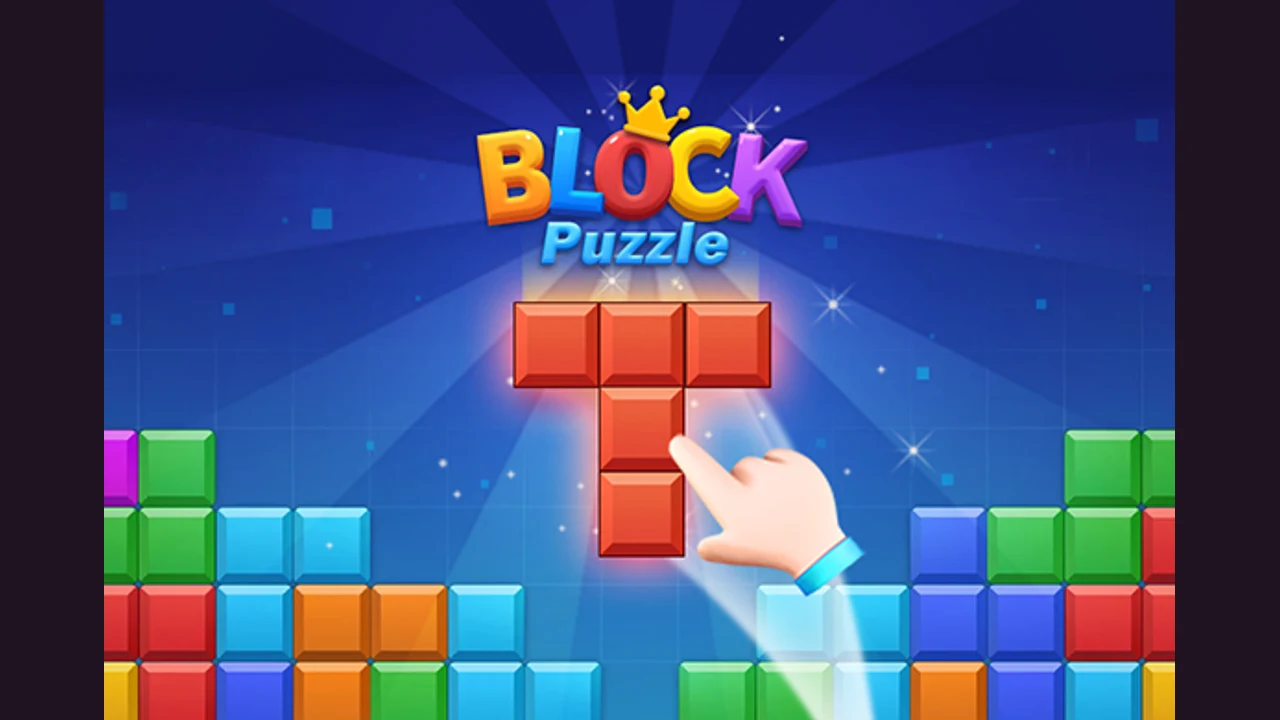
Block Puzzle is a colored shape placement game on a square grid. Its opening menu offers Classic and Padding, and the Classic tutorial introduces placing a supplied piece into the board. The shape of the remaining space is the main thing to watch. A convenient placement can leave a narrow hole that is difficult to fill, so inspect the outline of a piece before releasing it.
Block Puzzle in your browser
Use a mouse or touchscreen to play this browser build. Drag a block piece onto an open part of the board.
Your browser loads the game files over the internet. If the player stays blank after loading, try Reload or open the direct source link. No download means no separate app installation; it does not mean offline play.
Why Block Puzzle Feels Different From Other Color Block Puzzle Games
Colored pieces occupy several grid cells at once.
- The Classic tutorial demonstrates moving a piece onto the board.
- The menu also includes a separately labeled Padding option.
How To Play Block Puzzle?
Place block pieces on the grid and complete lines.
- Choose Classic from the opening menu to follow the placement tutorial.
- Inspect the supplied piece and find a space that fits its outline.
- Drag the piece onto the grid and release it in position.
- Build complete lines while keeping room for later shapes.
What should I try in Block Puzzle?
Use these suggestions to plan your next attempt.
Measure the gap
Count the cells in a gap and compare them with the whole piece. Fitting one end is not enough if the rest of the shape extends over occupied cells.
Avoid isolated holes
Try to leave connected open space. A lone empty cell surrounded by blocks is harder to use than a broad area with several possible placements.
Who Will Enjoy Block Puzzle?
- Players who enjoy fitting colored shapes into a board.
- Players who like planning where each block shape will fit.
Try another round of Block Puzzle
Look at the space a piece leaves behind as carefully as the space it fills. A clear area is useful only if another shape can use it.
Game information and source
| Game | Block Puzzle |
|---|---|
| Goal | Place block pieces on the grid and complete lines |
| Controls | Drag a block piece onto an open part of the board |
| Browser version | Open Block Puzzle (opens in a new tab) |
Block Puzzle source and guide notes
The linked browser build and promotional icon and banner come from the game provider. Color Games provides this independent introduction and play guide. Promotional artwork is not presented as a gameplay screenshot.
Block Puzzle FAQ
Can I play Block Puzzle without installing an app?
Yes. Open the browser version with Play Now or the source link. An internet connection is needed to load the game; the provider controls advertising and optional in-game features.
Which menu option does this guide describe?
The placement instructions here describe the observed Classic tutorial. The opening menu also lists Padding; follow that option's own instructions when choosing it.
Do matching colors alone clear the board?
This guide focuses on fitting pieces and completing lines. Do not assume that touching pieces of the same color will disappear.
How do I control Block Puzzle?
Drag a block piece onto an open part of the board.
What if the game does not finish loading?
Allow the initial files to load, then try Reload. If the player remains blank, open the direct browser version from the source link. Click or tap inside the player before using its controls.
More Color Block Puzzle Games
- Block Puzzle Magic — Play Block Puzzle Magic online for free. Choose Classic Mode, place colorful shapes on the grid, and plan lines without trapping small gaps.